How to invite your group
An imposter game does not start when you create the room: it starts when the last person in your group joins it. You need at least 3 players to start, so getting everyone in fast is half the game. Here are the three ways and when to use each.
1. The 4-letter code (for people right next to you)
When you create a room, your phone shows a big 4-letter code. Say it out loud: anyone opening the game just types it under "join with a code" along with their name. Tapping the code card copies it to the clipboard, in case you would rather paste it into the group chat.
2. The invite link (for the group chat)
Tap "Copy link" on the room-code card and paste it wherever your people are. The trick: whoever opens the link lands with the code already filled in: they just type their name and hit join. It is the lowest-friction option when you are not all in the same place yet.
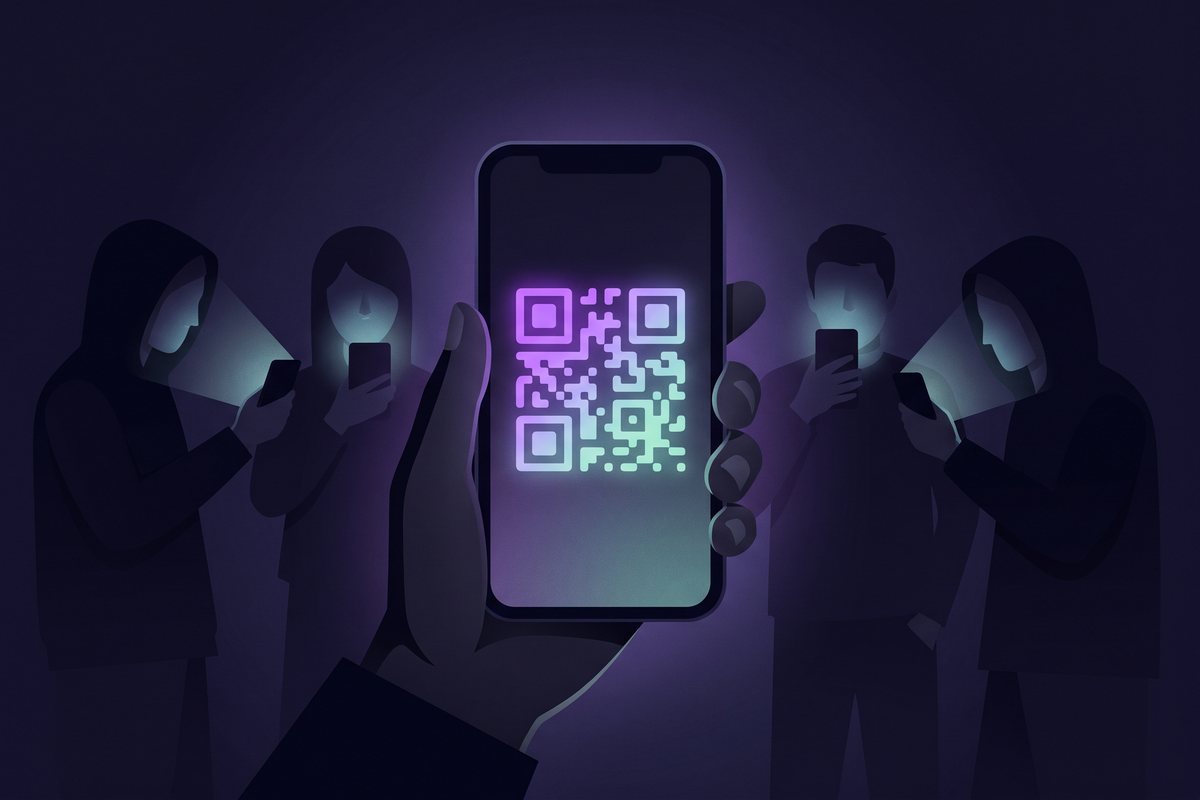
3. The QR (for the same table)
Tap "Show QR" and the card unfolds into a scannable code. Everyone points their phone camera at it and they are in. Fastest option when you are all together: no spelling out letters, no hunting for the chat.
What if someone arrives late?
While the room sits in the lobby, anyone can join with the code or the link. Once the game starts, the room closes until the next round, so nobody pops in mid-reveal with the secret word on screen. When the round ends, everyone is back in the lobby and latecomers join for the next one.
A host trick
If you play often with the same group, pin the game link in the chat and share the fresh room code each time: creating the room takes ten seconds, and nobody ever has to ask "where do I join?".